


Fantastic
Great addition to the van and good quality product
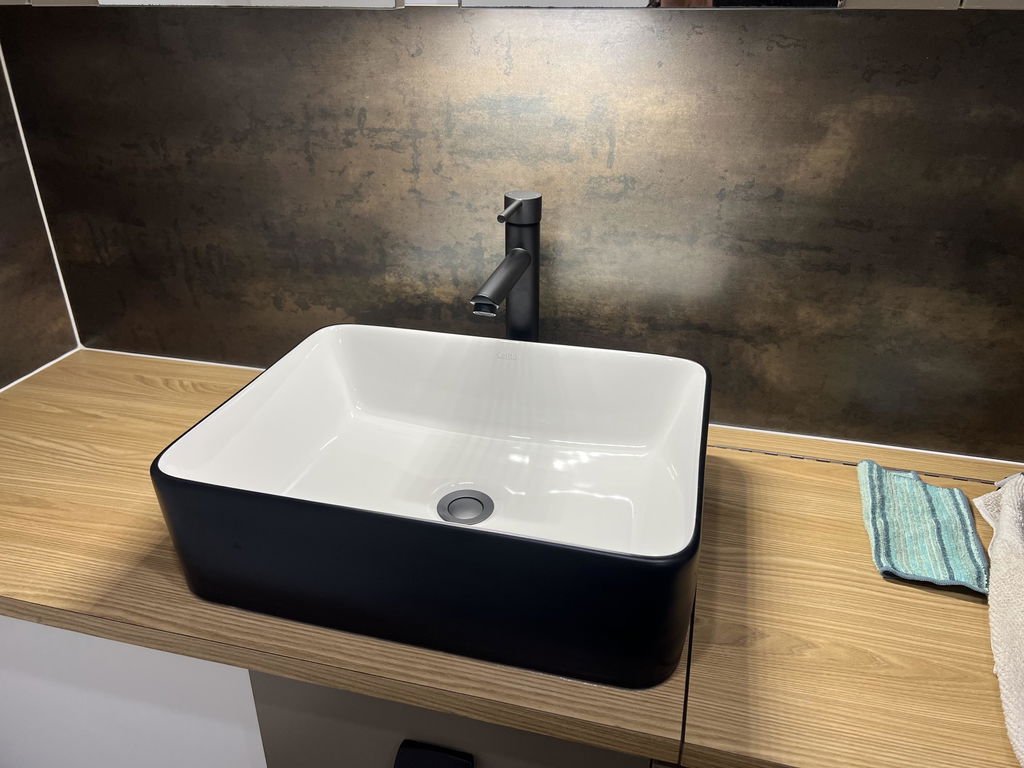
Very good..don't know how long it will last outside


Product Size: 7.1" Lx 3.94"Hx 3.5" W (18cm x10cm x9cm)
Power Source: Corded Electric (Adapter included)
Bluetooth: 5.3
Functions: 15W Wireless Charge, Alarm, 12 Colours RGB, FM Radio, White Noise.
Package Includes: 1x Speaker Clock, 1x Power Adapter, 1x User Manual.
NOTE: The strength of a radio signal is significantly affected by its placement: (1) Position it near a window, preferably one facing the direction of broadcast towers. Walls severely weaken FM signals. (2)Keep away from obstacles: Place the radio in an open area, away from large metal objects and appliances like computers, televisions, routers, and refrigerators.
FM Radio Mode User Guide:(1) Switch to FM Radio Mode. Press and hold the Mode (M) button to switch modes. Switch to FM Radio Mode and you see FM displayed on the screen. (2) Search for Radio Stations. Make sure you are in FM mode. Click the (M) button to switch between automatic and manual search. Automatic Search: The speaker will automatically scan and save all available stations. Manual Search: Press the Next (▶▶) button to go to the next station. Press the Previous (◀◀) button to return to the previous station. (3) Adjust Volume. Long press the Volume + or Volume – buttons to increase or decrease the sound. (4) Exit FM Radio Mode. Long press the (M) button to switch to other modes.
Product Size: 7.1" Lx 3.94"Hx 3.5" W (18cm x10cm x9cm)
Power Source: Corded Electric (Adapter included)
Bluetooth: 5.3
Functions: 15W Wireless Charge, Alarm, 12 Colours RGB, FM Radio, White Noise.
Package Includes: 1x Speaker Clock, 1x Power Adapter, 1x User Manual.
NOTE: The strength of a radio signal is significantly affected by its placement: (1) Position it near a window, preferably one facing the direction of broadcast towers. Walls severely weaken FM signals. (2)Keep away from obstacles: Place the radio in an open area, away from large metal objects and appliances like computers, televisions, routers, and refrigerators.
FM Radio Mode User Guide:(1) Switch to FM Radio Mode. Press and hold the Mode (M) button to switch modes. Switch to FM Radio Mode and you see FM displayed on the screen. (2) Search for Radio Stations. Make sure you are in FM mode. Click the (M) button to switch between automatic and manual search. Automatic Search: The speaker will automatically scan and save all available stations. Manual Search: Press the Next (▶▶) button to go to the next station. Press the Previous (◀◀) button to return to the previous station. (3) Adjust Volume. Long press the Volume + or Volume – buttons to increase or decrease the sound. (4) Exit FM Radio Mode. Long press the (M) button to switch to other modes.
!